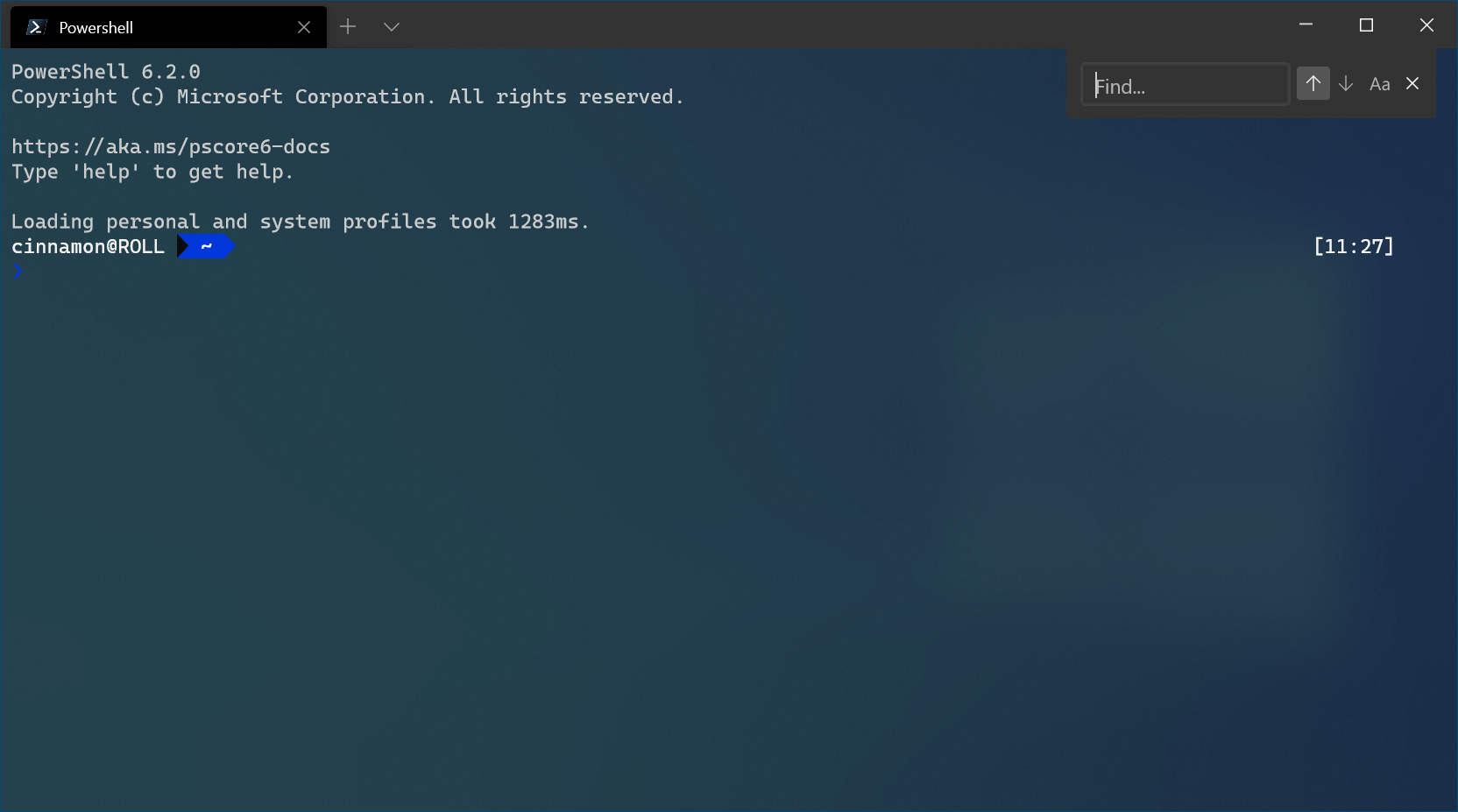
Windows Terminal brings the power of command-line interfaces to the forefront, combining multiple environments into a single, flexible interface that gives users direct control over their systems.
What makes it different is not just access to the command line, but consolidation. Instead of switching between tools, users can work across environments in one place. This simplifies workflows and reduces friction, especially for technical tasks.
One of the most significant capabilities is access to Linux through the Windows Subsystem for Linux (WSL). This allows users to run Linux tools and commands directly within Windows without separate installations or dual-boot setups. For developers and technical users, it bridges two ecosystems that previously required workarounds.
PowerShell extends the traditional command line into a more structured and powerful system. It allows users to automate tasks, manage configurations, and work with data in a more advanced way than standard command-line tools. Its object-based approach makes it especially useful for system-level operations.
While older, Command Prompt still serves as a familiar and lightweight option for basic tasks and troubleshooting. Its continued presence ensures compatibility with existing workflows and documentation, even as newer tools take precedence.
Beyond functionality, Windows Terminal also improves usability. Users can customize themes, layouts, and transparency, making it easier to follow instructions or manage multiple sessions at once. This turns what was once a rigid interface into something adaptable.
The broader shift is about control. Graphical interfaces are designed for accessibility, but they often limit what users can do. The command line removes that layer, allowing direct interaction with the system. Windows Terminal lowers the barrier to entry, making that level of control more approachable.
For developers, system administrators, and advanced users, this is not optional. It is the environment where modern workflows increasingly happen. Even for casual users, learning basic commands can reduce reliance on complex menus and improve efficiency.
The takeaway is simple. Windows Terminal is not a niche tool. It is a central one. Ignoring it means overlooking a core part of how modern computing actually works.