
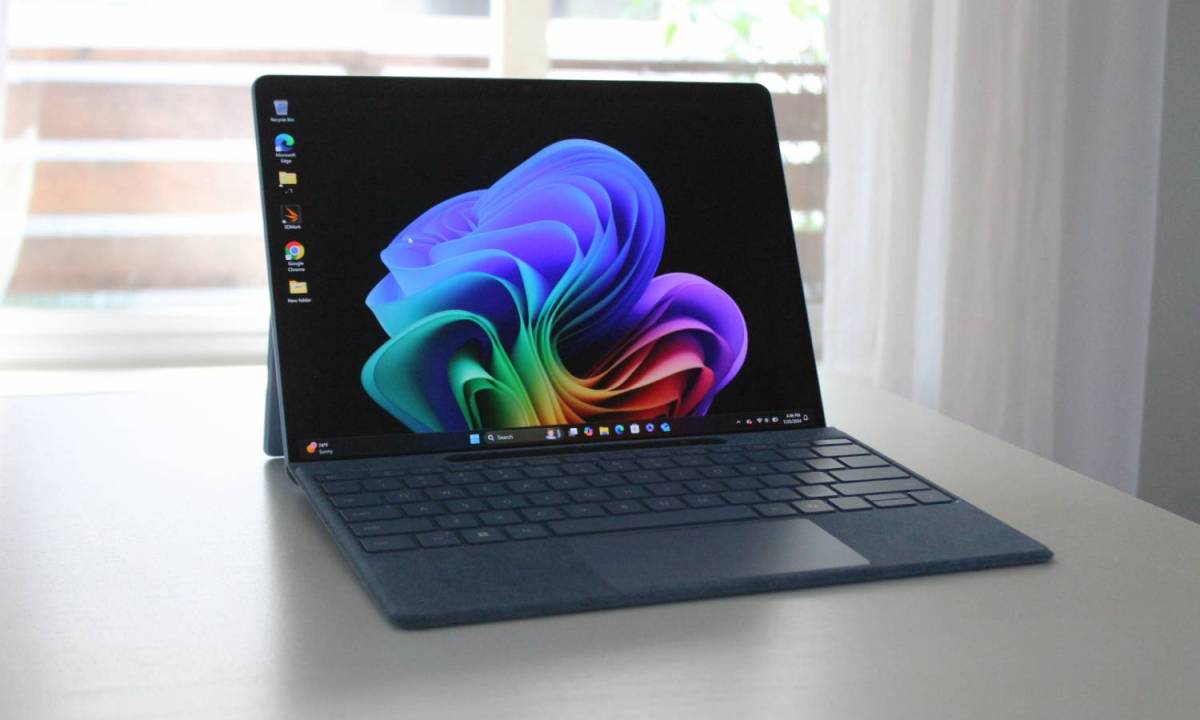
Microsoft is opening the Copilot+ experience to more users, extending AI-powered features to AMD Ryzen AI 300 and Intel Core Ultra 200V processor-equipped PCs. These features, initially favored for Qualcomm’s Snapdragon X platform, will be available through upcoming Windows updates.
According to a Monday blog post from Microsoft, PCs powered by AMD Ryzen AI 300 series, Intel Core Ultra 200V, and Snapdragon X series processors are now eligible for “exclusive Copilot+ PC experiences like Live Captions, Cocreator, Restyle Image, and Image Creator.” However, the ability to resize photos remains exclusive to Snapdragon-based PCs within the Photos app.
Copilot+ PCs were launched in May 2024, showcasing AI features predominantly on Snapdragon machines. Windows Recall arrived on Copilot+ Snapdragon PCs first, with AMD and Intel-based Copilot+ PCs receiving the feature in December.
Voice Access, which enables PC control “using more descriptive and flexible language,” will remain exclusive to Snapdragon-based Copilot+ PCs initially, with AMD and Intel PCs slated to receive Voice Access capabilities later this year.
Microsoft stated that “some of these innovative experiences for Copilot+ PCs are available via the March 2025 Windows non-security preview update (which requires the November 2024 non-security preview update).” The features will be gradually rolled out to consumers via the Windows controlled feature rollout (CFR) over the next month.
To access the updates on Copilot+ PCs with AMD or Intel chips, users can navigate to Settings > Windows Update and enable “Get the latest updates as soon as they’re available”.


