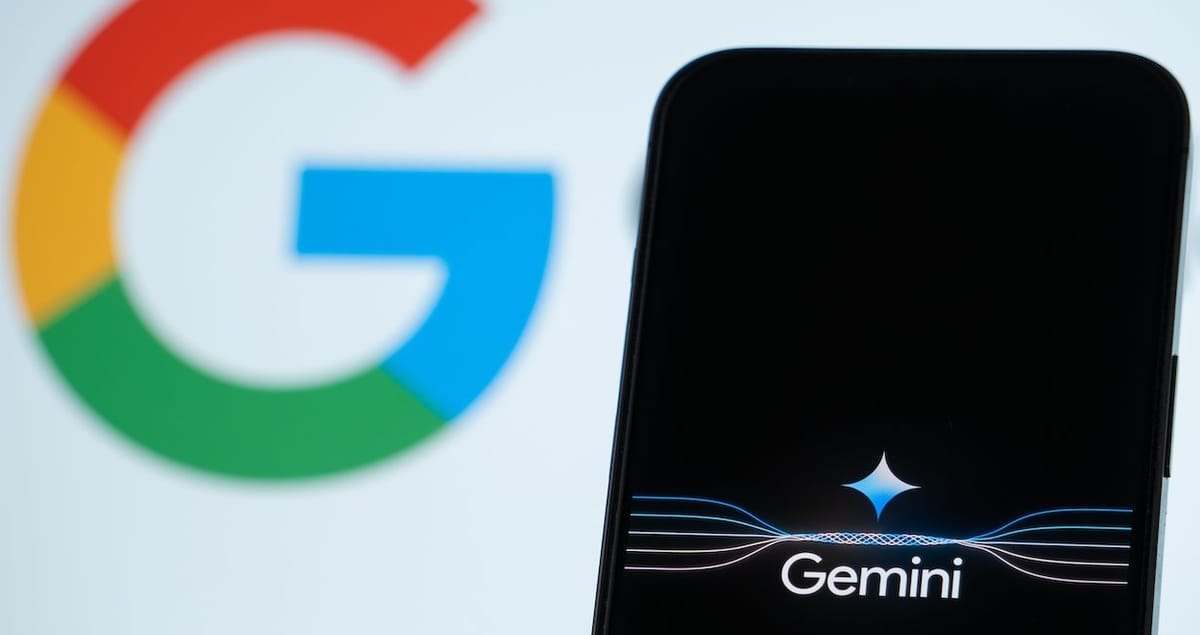
Google’s Gemini is about to get a whole lot sharper, soon able to sift through your Google Photos and pull out surprisingly specific details, like your driver’s license number, based on a simple image.
The key? Gemini Extensions recently rebranded as “apps,” will allow the AI chatbot to respond to natural language queries about your photos. Google just released a support document detailing how this integration will function.
To get started, users will need both the Gemini and Google Photos apps installed, along with Gemini Apps Activity enabled. Bear in mind, the rollout is currently limited to a select group of invited users in the US, and only supports English prompts for now, whether spoken or typed.
Assuming you’re eligible, you can summon Google Photos within Gemini by using the “@Google Photos” tag. This initializes the Gemini Apps connection and sets up the integration.
Google says you can search based on a variety of parameters:
- Face groups: Find my photos of Alex.
- Location/date: Show my photos from last summer.
- Description: Show me recent selfies.
- Current conversation: Your current conversation with the Gemini mobile app.
You can also ask Gemini about details within the photos:
- Lena’s birthday parties: @Google Photos what themes have we had for Lena’s birthday parties?
- Hotel food in Stanly: @Google Photos what did we eat at the hotel in Stanly?
- Mexico City eats: @Google Photos what were some of the things we ate in Mexico City?
- Trip highlights: @Google Photos what are the top 10 things we saw on our last trip?
- Driver’s license: @Google Photos what’s my driver’s license number?
Gemini’s results can be opened directly in Google Photos and, on Android, you can even drag and drop photos from Gemini into other apps.
Despite the enhanced utility, there are limitations. Gemini won’t edit photos, create collages or albums, or add labels. So when it rolls out, prioritize information retrieval over data manipulation.
This feature seems to be a renamed version of the “Ask Photos” feature previewed at Google I/O and an upgrade to the current basic Google Photos search.