
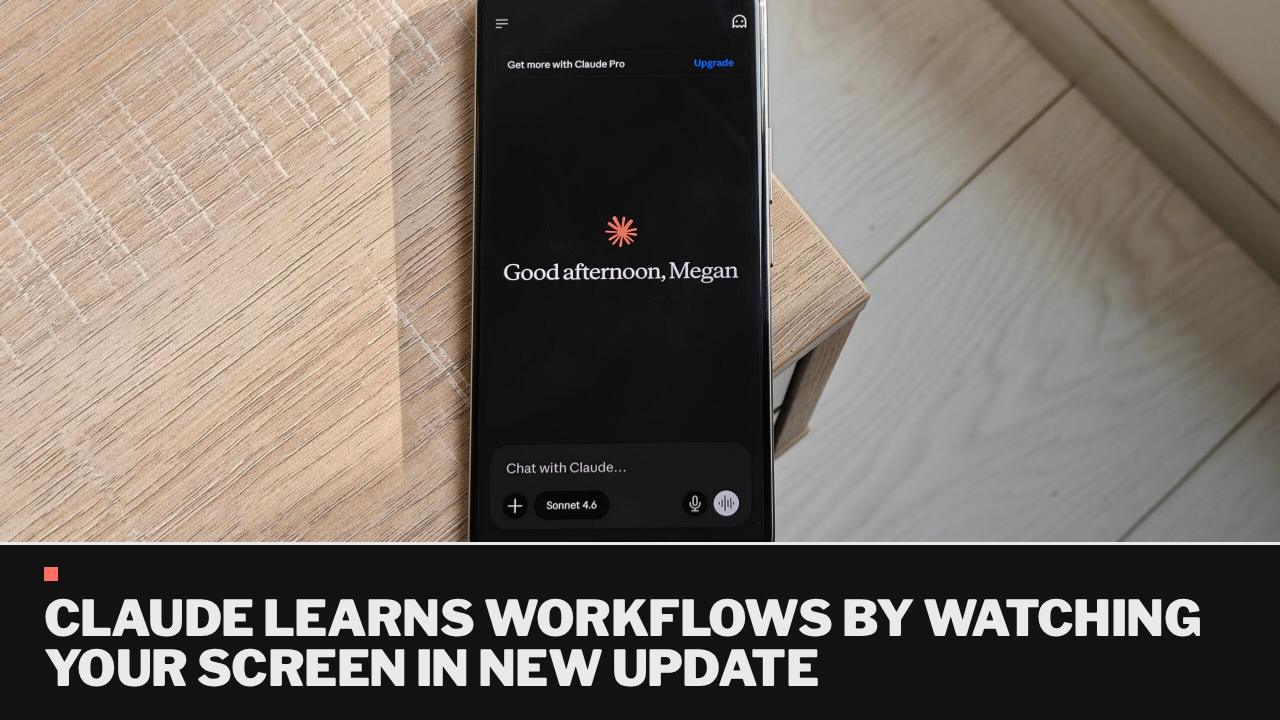
Anthropic has introduced a new feature for its AI assistant, Claude, allowing users to teach it workflows by recording their screens and narrating tasks. Named “Teach Claude a skill,” this feature is aimed at reducing the need for repetitive prompting when assigning tasks like generating reports, organizing files, or managing spreadsheets.
The update is currently being rolled out to subscribers of Claude Pro, Max, and Team via the Cowork interface in the Claude desktop app. Users can now demonstrate processes visually, enabling Claude to learn and reuse these workflows in the future.
Previously, users faced challenges in training AI assistants, often repeating the same instructions or uploading detailed documents without ensuring that the AI would execute tasks correctly. Anthropic’s new feature addresses this by allowing users to show Claude how to perform specific tasks directly.
For instance, users can teach Claude how to organize invoices or prepare sales reports by recording their actions and providing commentary. After demonstrating a process, users can rely on Claude to replicate the workflow without additional explanations.
This enhancement positions Claude Cowork as a more effective digital assistant, reinforcing its role as a collaborative tool. Users currently on the Pro plan have reported that the feature is already operational in their accounts.
To access the feature, users need to open Claude on their laptops, navigate to Cowork, and select “Record a Skill” from the drop-down menu under the Add files or photos option. This practical upgrade is expected to significantly benefit those who perform repetitive tasks daily.