
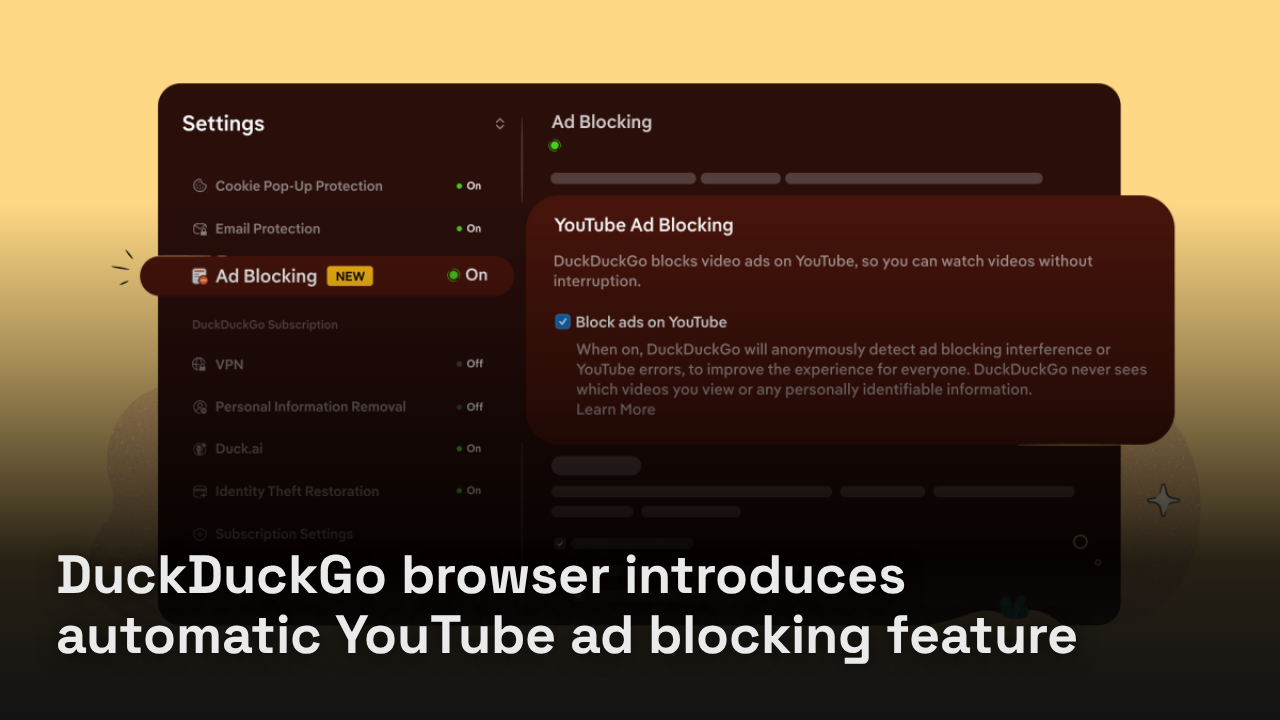
DuckDuckGo’s web browser will now automatically block most video ads, including those shown on YouTube. This new feature, announced this week, provides users with a free alternative to avoid ads without needing a paid subscription like YouTube Premium.
The YouTube ad blocking feature is enabled by default on the Mac, Windows, and iOS versions of DuckDuckGo’s web browser. Users on these platforms do not need to take any action to activate the feature.
For Android users, the YouTube ad blocking option is available but must be activated manually. Users can enable this feature by navigating to the browser’s Settings and toggling Ad Blocking on. DuckDuckGo stated that it plans to implement the default ad blocking activation for Android users soon.
DuckDuckGo, launched in 2008 as a privacy-focused search engine alternative to Google, has expanded its offerings to include desktop and mobile web browsers that emphasize user privacy. The company has experienced growth in response to challenges faced by Google, particularly after the introduction of new AI features by Google that users found unavoidable. DuckDuckGo promotes its own AI tools as optional, maintaining a completely AI-free search product known as DuckDuckGo No-AI.
With this new ad blocking feature, DuckDuckGo aims to enhance user experience on YouTube, further solidifying its stance against intrusive advertising practices.