WhatsApp has unveiled a substantial array of new features designed to enhance the group chat, call, and channel experience, aiming to increase engagement and streamline communication across its platform for users worldwide.
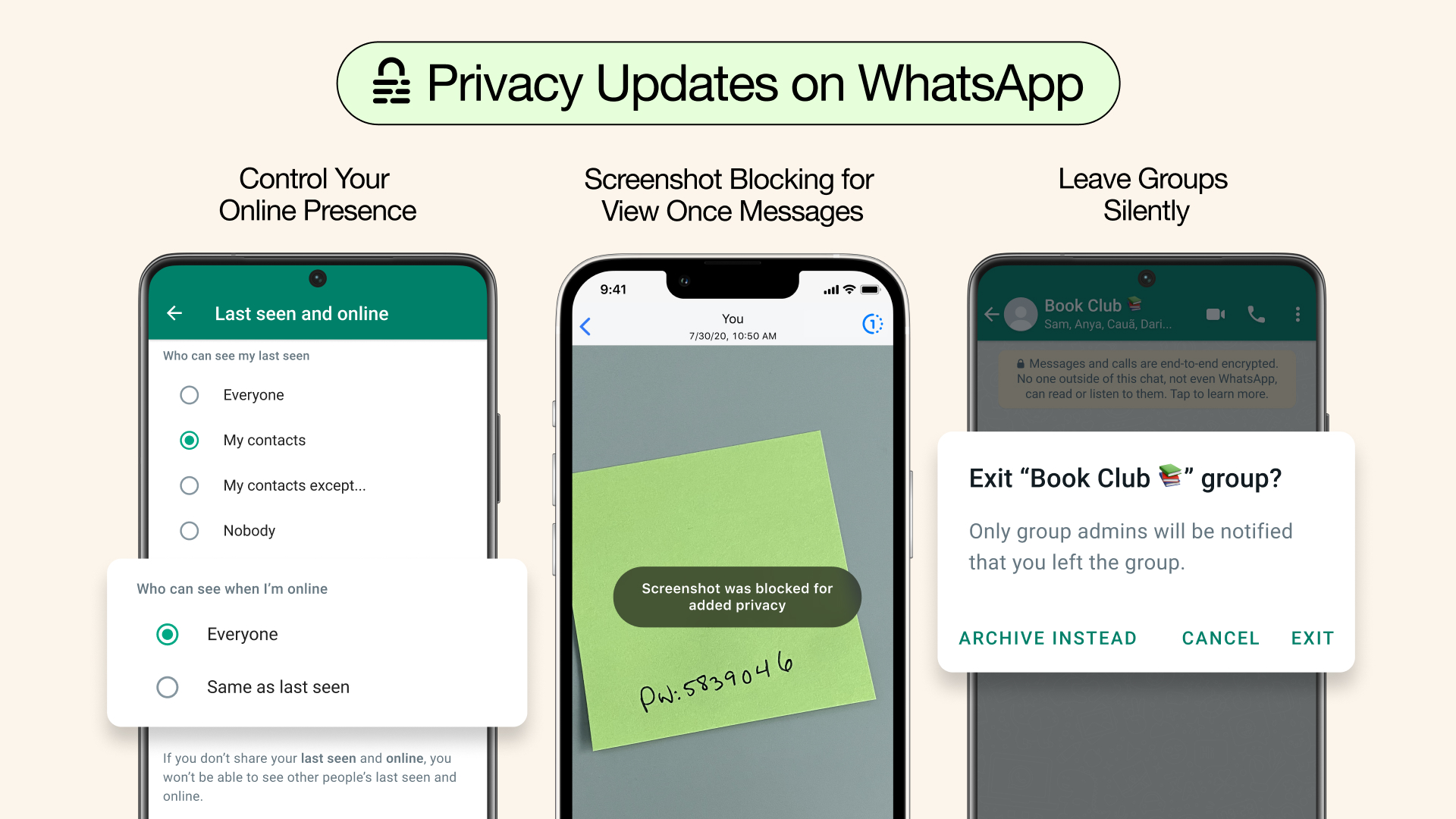
One of the standout additions is a real-time online activity indicator within group chats. This new feature appears just beneath the group name and displays how many members are currently active, without revealing the specific identities of those online. The purpose of this indicator is to help users quickly assess group activity levels, making it easier to determine the most opportune moments to participate in discussions or expect rapid responses. Importantly, the feature is carefully designed with privacy in mind—users who have chosen to hide their online status are excluded from the count and are not shown the online activity indicator themselves. This approach maintains strict privacy controls, upholding WhatsApp’s commitment to giving users full control over their visibility while still offering valuable group insights.
In addition to the activity indicator, WhatsApp has made significant improvements to notification management in group chats. The new system enables users to tailor which notifications they receive, allowing alerts only for direct mentions, replies, or messages from specific contacts of their choosing. This targeted notification setting helps alleviate the common problem of notification overload, ensuring that users are alerted only to the interactions most relevant to them. Previously, similar behavior was in place by default, but the updated settings now make these options more visible and accessible, clarifying how group muting and notification preferences function.
Event planning features have also been broadened. Users can now create events in both group and one-on-one chats, not just group settings. The expanded functionality includes the ability to send RSVPs, add guests, set end times for events, and pin crucial event details for quick reference within any chat. These additions enhance WhatsApp’s utility as a coordination platform, making it easier for users to organize both social and professional gatherings with clarity and convenience.
To further foster expressive and interactive conversations, WhatsApp has streamlined message reactions. Users can now quickly view all current reactions to a message and add their own with a simple tap, promoting a more fluid and engaging chat environment. On the technical side, iPhone users now have access to a built-in document scanning feature directly inside the WhatsApp app, eliminating the need for third-party scanning tools and making document sharing more efficient than ever.
WhatsApp has also expanded its role as a central communication tool on iOS devices. Users can now set WhatsApp Messenger or WhatsApp Business as their default app for both messaging and calling, signifying a shift toward WhatsApp as the primary means of digital communication for many users.
Improvements have been made to the quality of video calls, including enhanced connection stability and the introduction of a zoom function. This allows participants to focus in on specific details during calls, creating a more dynamic and interactive video calling experience. Furthermore, there is now greater flexibility when it comes to group calls, as users can add new participants to ongoing calls directly from the chat, making it easier to initiate spontaneous group conversations and adapt to evolving communication needs.
For channels, WhatsApp has introduced features aimed at helping administrators grow and engage their audiences. Channel admins can now share video content directly and use QR codes to promote their channels more broadly, making it simpler for users to discover and join new channels. Additionally, channel followers have access to transcripts for voice messages, which not only boosts accessibility for those who prefer or require written formats but also enhances the overall usability of channel content.