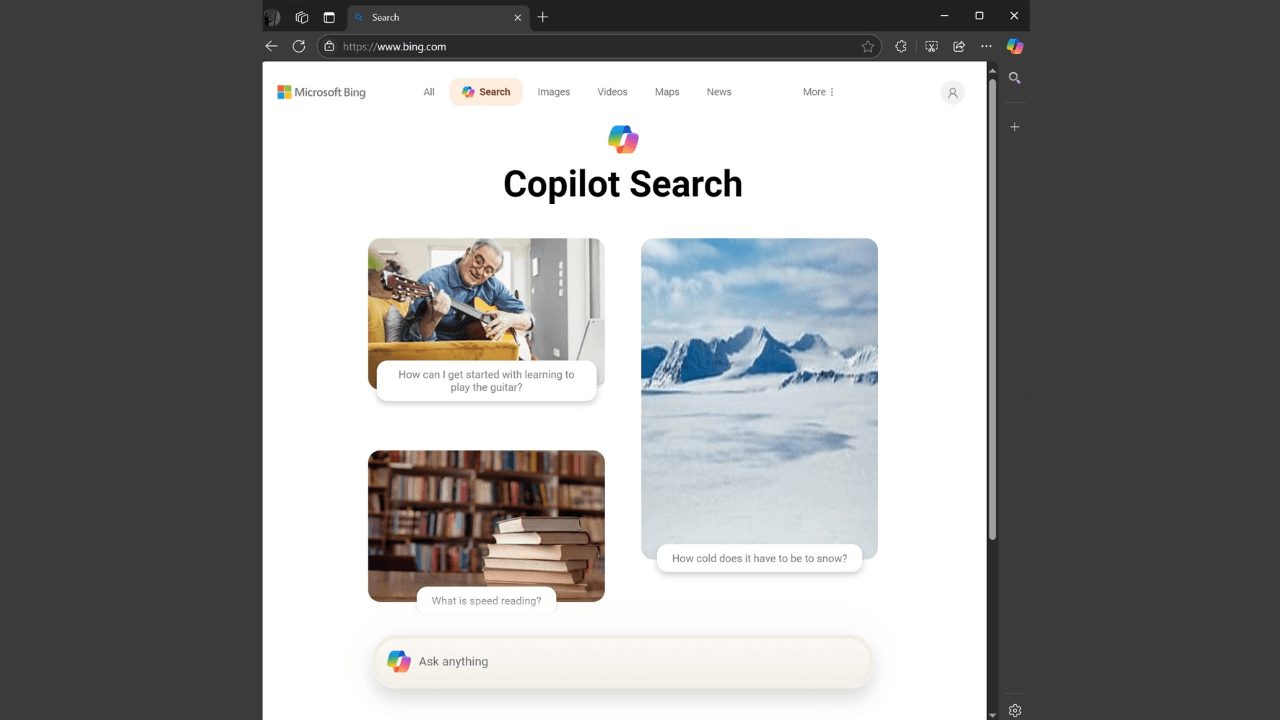
Microsoft is upping the search game with a new Copilot Search option for Bing, taking direct aim at Google’s AI-powered search. The feature is live across all platforms, offering a fresh way to find answers.
To dive into Copilot Search, punch in “bing.com/copilotsearch?q=[query]” in any web browser. You can also access it through the Edge browser on desktop and mobile. On the desktop version of Edge, just hit the three-dot menu under the text box and select “Copilot Search.”
Like Google’s AI mode, Copilot Search delivers answers in paragraph form or neatly organized lists. Source material is readily available via embedded hyperlinks at the end of each paragraph, opening a small window with the original content.
Early tests show Copilot Search handles complex questions well, but, like all AI, it’s prone to errors. Always cross-reference with the source material to be sure.
On a related note, Microsoft is developing its own “MAI” family of AI models, with performance targets set near the top-tier AI models from OpenAI and Anthropic.