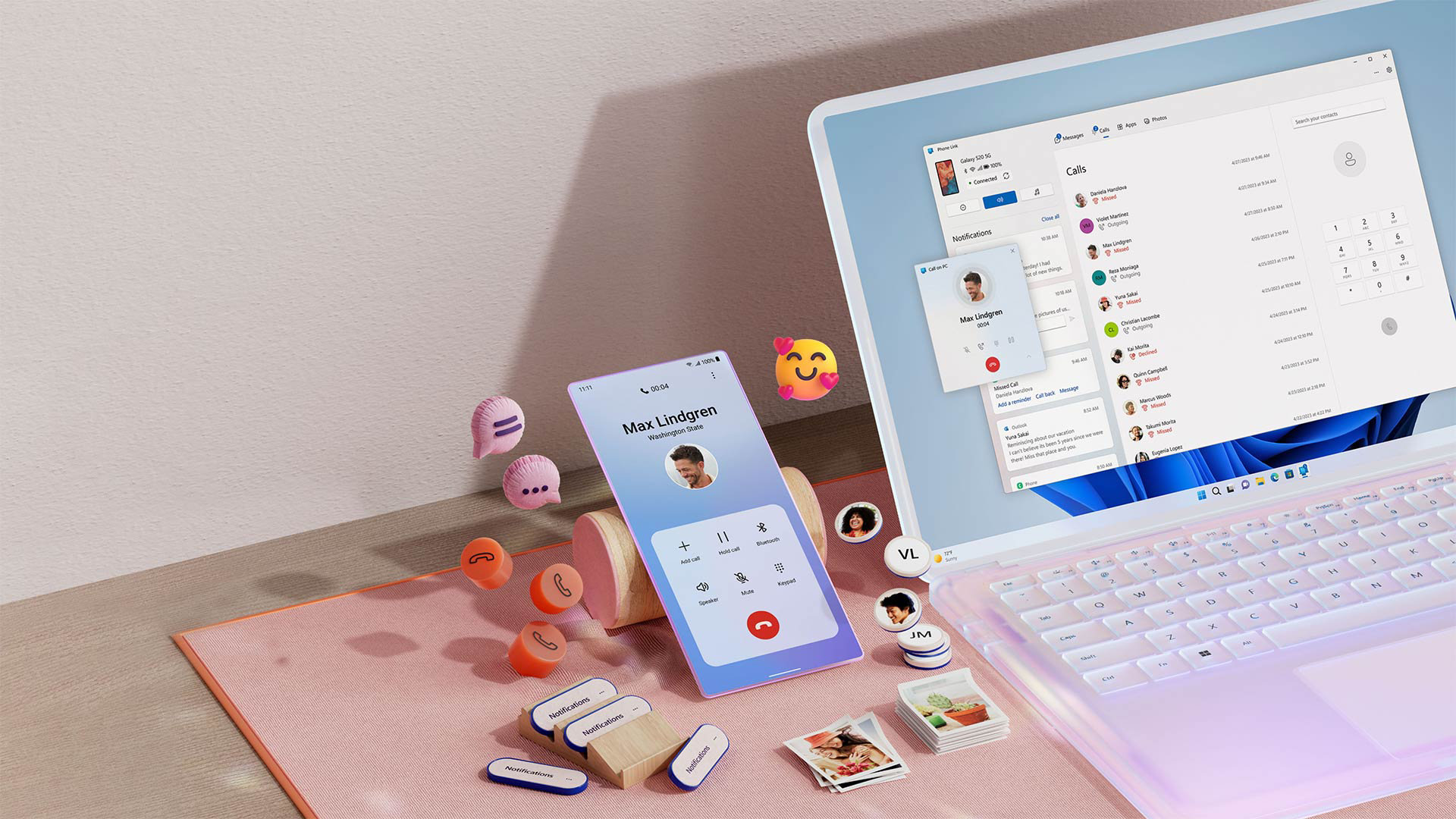
Microsoft’s Phone Link app, which lets you manage your Android phone from a Windows PC, has regained its ability to mirror sensitive notifications, previously impacted by Android 15’s privacy features.
The Phone Link app allows users to manage notifications, calls, and file transfers, aiming to bridge the gap between staying focused and informed.
Android 15 introduced a privacy feature that hides sensitive notification content, such as 2FA codes, on connected devices, which initially affected Phone Link’s ability to mirror all notifications.
A recent Phone Link update resolves this issue for users whose Android phone has the “Link to Windows” service pre-installed. These users will need to grant a one-time permission to restore full notification mirroring.
For devices without Link to Windows pre-installed, disabling Enhanced notifications in Settings → Notifications is an option. However, this action will also disable suggested actions and replies.
Notification listeners depend on a ‘RECEIVE_SENSITIVE_NOTIFICATIONS’ permission. This permission is typically reserved for apps signed by the device vendor, the default launcher, or companion apps for wearables and computers.
Although Microsoft is generally reliable, Android does not automatically recognize Link to Windows as a trusted source.